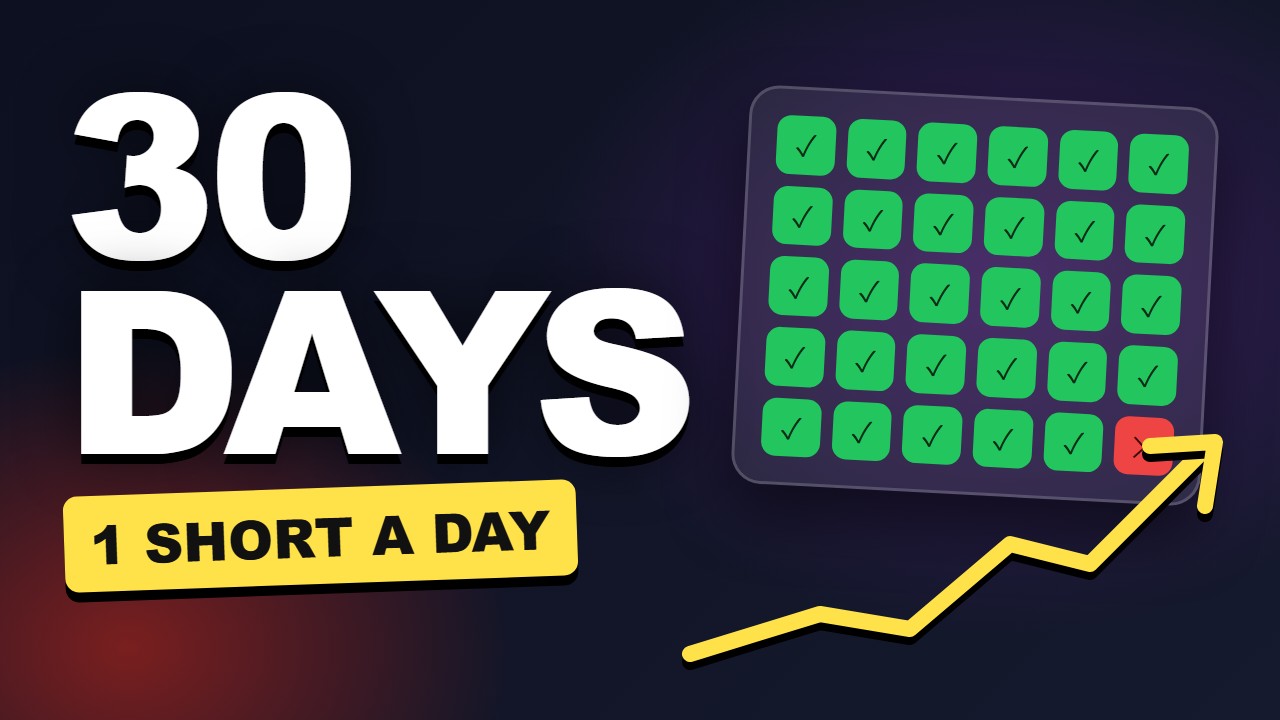
Title
Sells the promise
Issue
The title is clear but doesn't hint at any outcome or result.
Fix
Change to: "I Posted a Short Every Day for 30 Days—Here’s What Happened"
Packaging Check · free account
Your title sells it, your thumbnail shows it, your first line pays it off. Packaging Check reads all three together, next to winning videos on your topic, and shows where the promise breaks.
Free now · no sign-up
Free account · 15 credits a month · no card
Your image is read once and not storedReal public YouTube videos, dated14-day money-back on any purchase
Paste what you plan to publish. All three are read as one.
Fills in the title and thumbnail of a video that is already public. The first line still has to be typed.
Roughly the first 60 characters show before the title gets cut off.
Drop your thumbnail here
or click to choose. JPG, PNG or WebP, up to 10 MB.
Resized in your browser before anything is sent.
The opening sentence or two, as you'll say it.
What the viewer sees before the first line. Free, stays on your device.
Add a thumbnail image to preview it with your title.
Free now · no sign-up
Free account · 15 credits a month · no card
Your image is read once and not storedReal public YouTube videos, dated14-day money-back on any purchase
How it works
The title you plan to publish, the thumbnail (image or just its words) and the first line you will say on camera.
We find the most-viewed videos on your topic and format, from similar creators. An AI editor sees them (titles and thumbnails), reads your three parts together and checks each against them.
You get one issue and one fix per part, the mismatches between them, and a rewritten package that keeps your topic and claims.
Method
A sharp editor's read with the reason attached, so you know exactly what to change.
Hard numbers from real YouTube data.
Privacy. Thumbnail images are resized in your browser before they are sent and are not stored. The title, first line and result are saved to your private workspace. Nothing is published or shared. Privacy policy · How scores work
FAQ
It finds the most-viewed videos on your topic and format, from similar creators, and checks your package against them: a verdict (ready, one change, or rework) with the reason, the promise a viewer will expect, the payoff risk, one issue and one fix per part with what the top videos do there, every mismatch between two parts, and a rewritten package.
No. You can type the words on the thumbnail and the check judges it from its text for 5 credits. With the image attached the AI reads the picture itself, which costs 10 credits.
No. The verdict is an AI editor's second opinion on whether the three parts make one clear promise, made next to the most-viewed videos on your topic. It is not a prediction of views or click-through rate. Check real performance in YouTube Studio once the video is live.
The report searches YouTube for the topic through the YouTube Data API and lists real videos. Each one shows its public view count and its channel's subscriber count, so you can see whether it came from a channel your size. Big channels get big views whatever the title says, so the report reads them as what this topic's viewers click, not as proof.
The image is resized in your browser, sent once for the read and not stored. The text of the check (title, first line and the result) is saved to your private workspace so you can find it again.