Describe your video in one sentence and get 4 thumbnail concepts in different directions. Then do what an image generator can't: see each one next to the real videos ranking for your topic, and get an AI review of what to fix.
One sentence about what the viewer gets, optional text for the thumbnail, and a style.
Step 2
Get 4 directions
Four concepts that take the idea different ways, sized 16:9 for YouTube. Download any of them.
Step 3
Pick in the real feed
Put a concept next to the top videos on your topic, get an AI review, and keep the one that stands out.
Fix your own thumbnail instead
Already designed one? After the AI review, "Fix it for me" applies the review's fixes to your own image and returns 2 edited versions for 10 credits.
What it costs
Feed preview: free, no account. First set of 4 concepts: free with an account. Then 20 credits per set of 4. The free account starts with 15 credits; plans start at $10 one-time.
Next step
Need options to test? Generate four directions.
Thumbnail Studio turns one idea into four different compositions, then you can test them in the real feed. Your first set is free with an account.
How to get a usable thumbnail out of an AI generator
An image model will happily draw anything; the hard part is a thumbnail that still reads at phone size and stands out next to the videos it competes with. Give it a clear idea, decide the text yourself, generate several directions, then judge them in a real feed — not full-screen.
01
Describe the video, not the picture
Tell the generator what the viewer gets from the video. A good idea produces a scene; a list of visual details produces clutter.
Weak
red background, shocked man, arrows, money, text
Better
Why a small creator's Shorts suddenly stopped getting views, and what to check first
02
Write the text yourself, and keep it short
Three words is a practical maximum at phone size, and the words should add to the title instead of repeating it.
Weak
HOW I GOT 10,000 VIEWS ON MY SHORTS IN ONE WEEK
Better
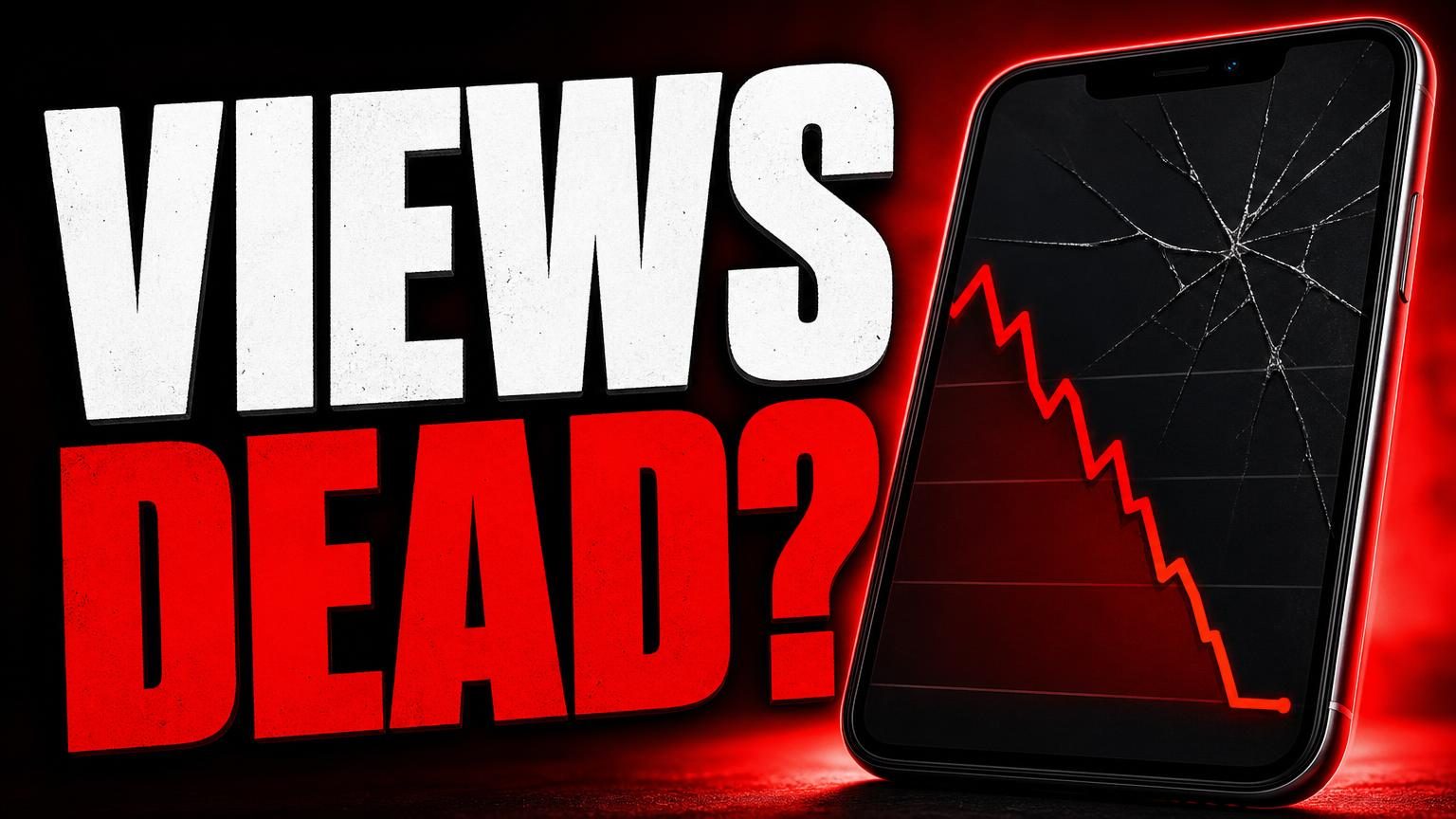
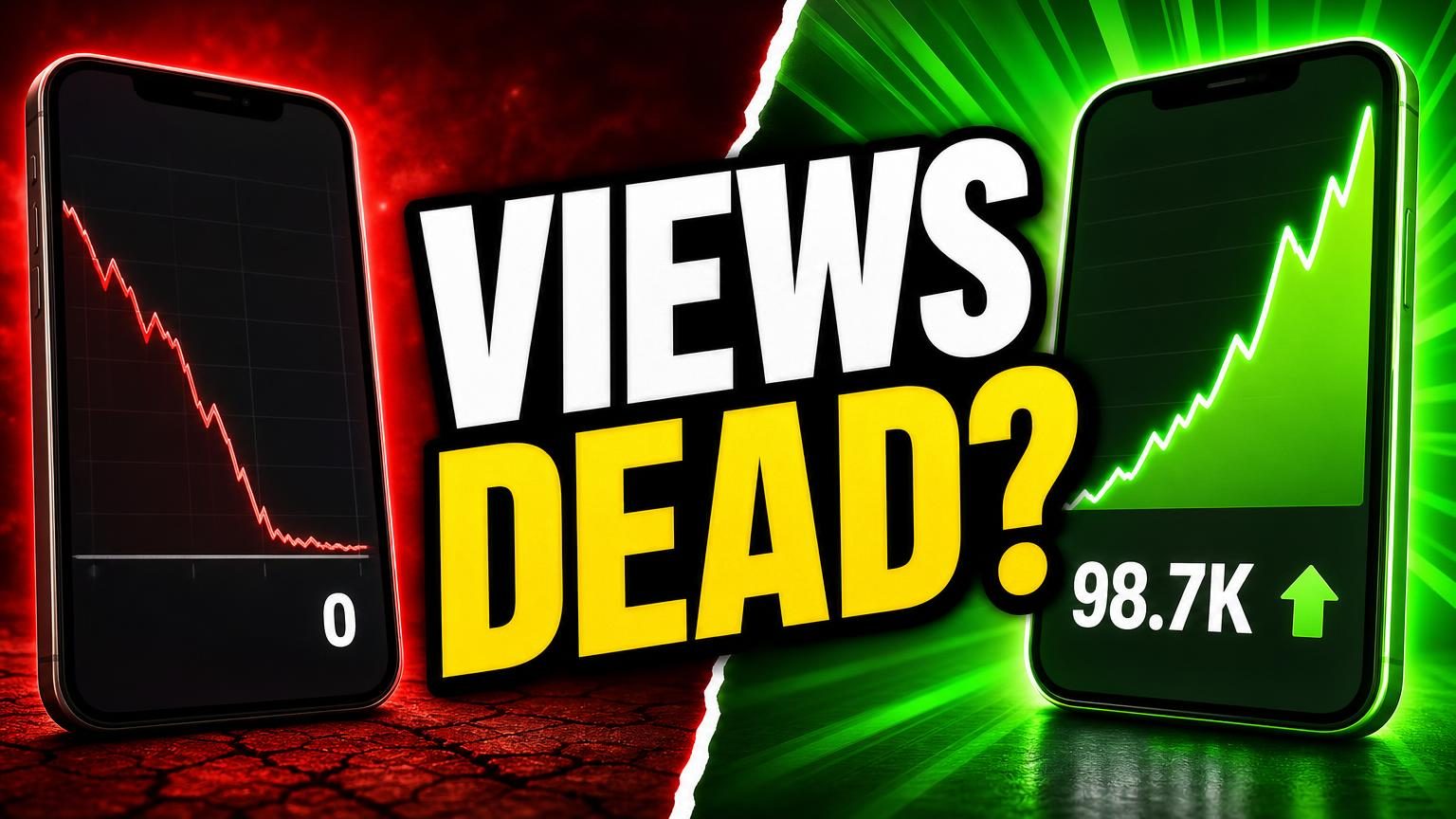
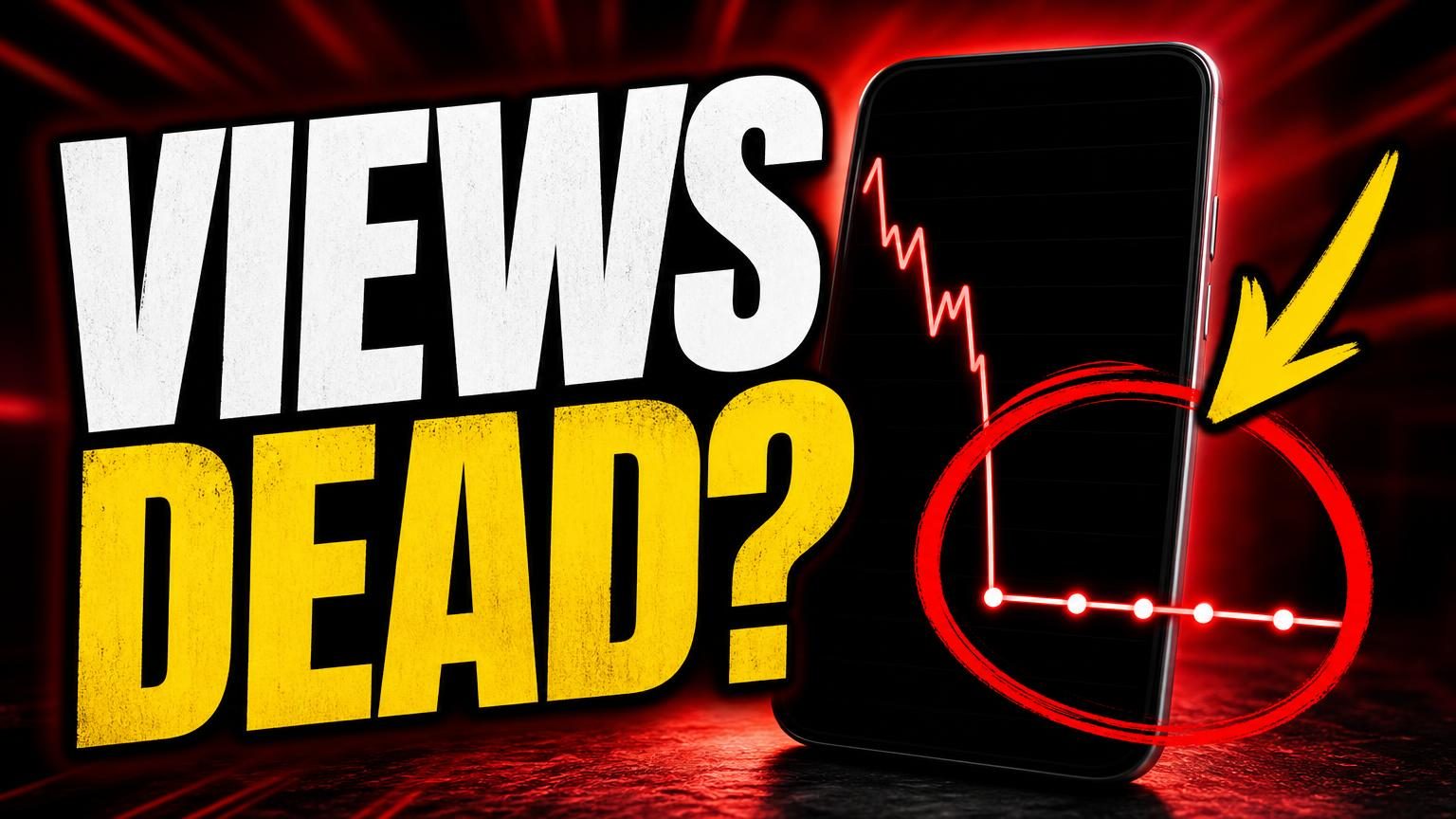
VIEWS DEAD?
03
Generate directions, then pick in context
Four different directions show you options you would not have drawn. Pick by putting them next to the current top videos on your topic, where blending in becomes obvious.
Weak
Choosing the prettiest image on a white page
Better
Choosing the one your eye finds first in the feed
Rewrites are illustrative examples, not measured results.
Before you upload an AI thumbnail
Text is three words or fewer and readable at 168 px wide
One clear focal point — a face, an object or a result
No garbled letters or extra fingers (zoom in once)
It stands out next to the top videos on the topic
It promises the same thing as the title, without repeating it
FAQ
Questions
Is the AI thumbnail generator free?+
Your first set of four concepts is free with a free account (no card). After that a set of four costs 20 credits. Previewing any thumbnail in the feed is free without an account.
What do I need to give it?+
A one-sentence description of your video, optional thumbnail text and a style. It returns four concepts in different directions, sized for YouTube (16:9).
Can it edit my own thumbnail instead?+
Yes. After an AI review, "Fix it for me" applies the review's fixes to your own thumbnail and returns two edited versions for 10 credits.
Can I use the images on my channel?+
Yes. Download them and use them on your videos. Check every image before you publish — AI images can contain small errors in text or hands.
Does it predict click-through rate?+
No tool can before real viewers see the video. We show each concept next to real top videos on your topic so you can see which one stands out; YouTube's Test & compare measures clicks after you publish.